 正版资源
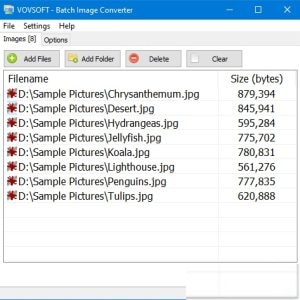
批量图像转换器VovSoft Batch Image Converter 2.4
Vovsoft 批量图像转换器是一款简单的工具,用于批量转换图形格式。借助它,您可以轻松地从包含各种类型图片的文件夹中获取所需格式的图像。 选择输出图像格式,只需一次性批量转换即可转换原始图像。该软件支持 JPEG、BMP、GIF、ICO、PNG、TIFF、WMP 图像文件类型。 File size
网盘链接 · 支付成功后自动发货
永久有效 · 链接失效免费补发
每日 9:00-21:00 在线客服

Vovsoft 批量图像转换器是一款简单的工具,用于批量转换图形格式。借助它,您可以轻松地从包含各种类型图片的文件夹中获取所需格式的图像。 选择输出图像格式,只需一次性批量转换即可转换原始图像。该软件支持 JPEG、BMP、GIF、ICO、PNG、TIFF、WMP 图像文件类型。
File size: 15.8 MB
Vovsoft Batch Image Converter is a simple tool for converting between graphic formats in batches. With its help, you can easily obtain images in the desired format out of a folder containing pictures of diverse types.
Select your output image format, convert the original images by simply doing a batch convert in one go. The software supports JPEG, BMP, GIF, ICO, PNG, TIFF, WMP image filetypes.
You can use this highly intuitive and user-friendly application to quickly change the formats of multiple graphic files. You simply need to add one or more image files either via drag and drop, or by manually browsing to the location of each file.
Additionally, the installer can add shortcut to SendTo directory, so that users can right-click files or folders from the context menu and convert selected files all at once.
Homepage
vovsoft.com/
同类资源
与当前资源同分类推荐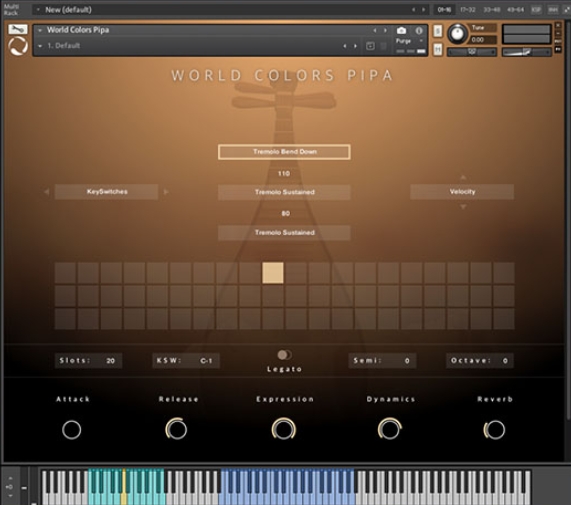 音频工具
World Colors Pipa 中国民乐琵琶音色
永久有效 · 网盘发货
 音频工具
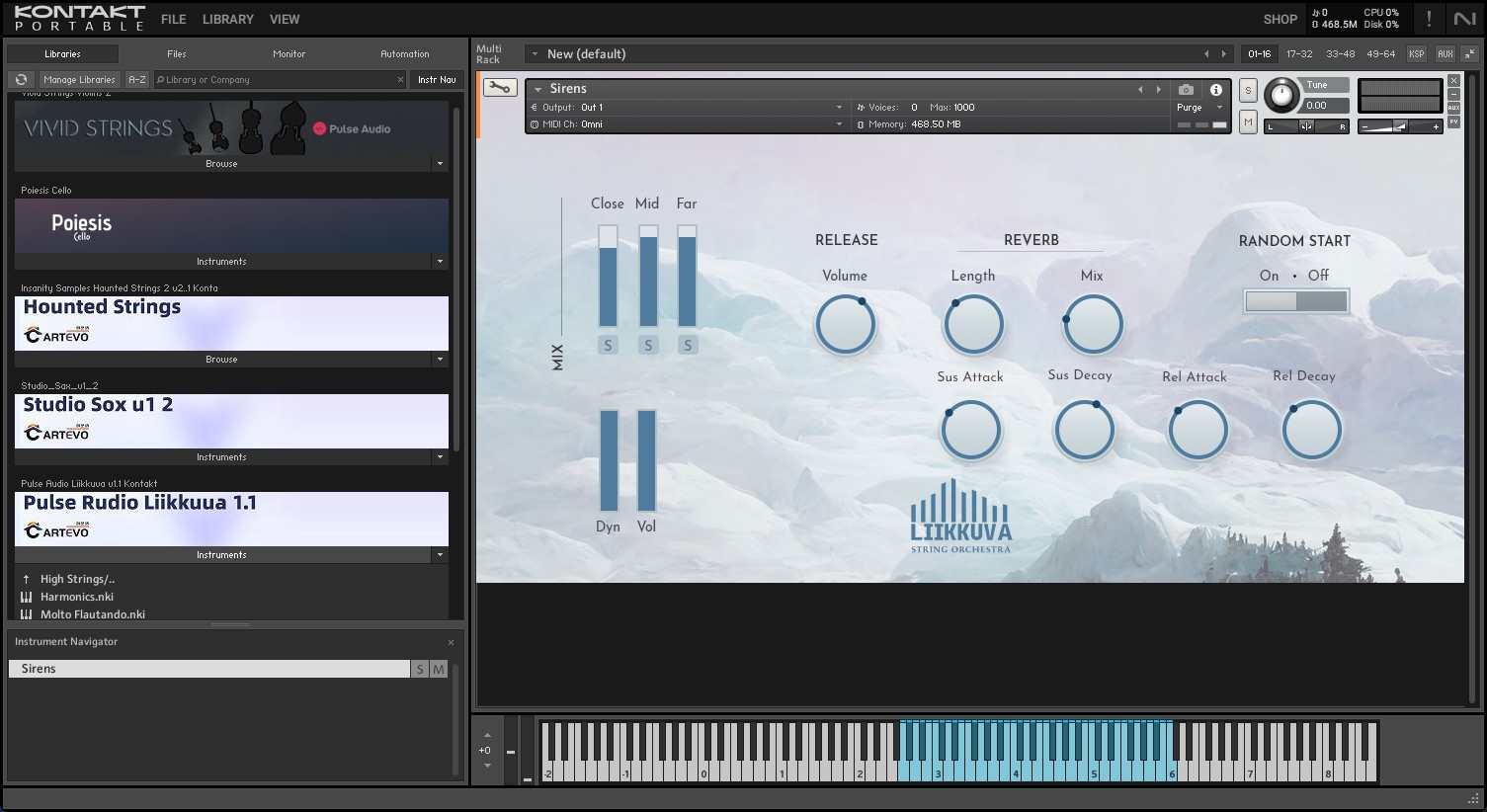
Liikkuva v1.1北欧斯堪的纳维亚弦乐音源 配乐编曲Texture音色库
永久有效 · 网盘发货
 音频工具
键盘音色合集 Arturia Analog Lab V Pro v5.12.6-L O S T [MacOSX]
永久有效 · 网盘发货
 音频工具
预设文件合集 STL Tones Kemper Profiles KiPR Collection v2025.2
永久有效 · 网盘发货
 音频工具
动态范围增强器 Techivation M-Loudener v1.1.0 MOCHA Win
永久有效 · 网盘发货