 正版资源
解压专家Oka Unarchiver – Unzip ZIP RAR 2.1.15 MacOS
File size: 28 MB Oka Unarchiver – Unzip ZIP RAR(又称解压专家Oka)是一款专为苹果 macOS 系统设计的小巧的解压缩软件。它支持在 Mac 电脑上快捷处理包括 ZIP、RAR、7Z、TAR 在内的数十种常见和冷门压缩格式。 主要功能: 支持格式全面
网盘链接 · 支付成功后自动发货
永久有效 · 链接失效免费补发
每日 9:00-21:00 在线客服

File size: 28 MB
Oka Unarchiver – Unzip ZIP RAR(又称解压专家Oka)是一款专为苹果 macOS 系统设计的小巧的解压缩软件。它支持在 Mac 电脑上快捷处理包括 ZIP、RAR、7Z、TAR 在内的数十种常见和冷门压缩格式。
主要功能:
- 支持格式全面:解压支持 RAR、7Z、ZIP、TAR、GZIP、ISO、CAB 等超过 10 种格式;压缩支持打包为 ZIP 格式。
- 特色实用功能:支持分卷压缩与解压、密码保护加密压缩,以及不解压直接通过空格键预览压缩包内容。
- 系统深度集成:完美适配苹果 M 系列芯片,支持访达(Finder)右键菜单扩展,直接右键即可快速完成压缩或解压。
Oka Unarchiver for Mac is upgraded to version 2.0. New interface, optimized operation experience. Oka Unarchiver, Mac Best Unarchiver, Unzip files on Mac, WinRAR for Mac, 7zip for Mac. Oka Unarchiver supports RAR format, batch decompression of archives, and password-protected archives. Features easy one-click operation to extract and archive files.
Compression formats supported
ZIP
Extraction formats supported
7Z, ZIP, RAR, TAR, GZIP, BZIP2, XZ, LZIP, ACE, ISO, CAB, PAX, JAR, AR, CPIO, and more
The Oka Unarchiver for Mac is a small and easy-to-use program that can archive or unarchive many different kinds of archive files.
With Oka Unarchiver for Mac, you can compress as many files as you want. Also, you can protect them with a password.
Also, Oka Unarchiver for Mac can extract lots of compressed files, from ZIP to 7Z archives, even parted ones. Just drop files in the icon, or into the main window, and they will be extracted using Oka Unarchiver for Mac
You can add any file into the list to archive or extract. If you click the archive button, Oka Unarchiver for Mac can archive all the files in the list at one time. If you click the extract button, Oka Unarchiver for Mac will automatically detect which files can be extracted.
The latest support for Finder extension, right-click on the file directly in the Finder, you can compress/uncompress or preview the file through the menu, greatly simplifying the operation steps.
So easy to use
– Support Finder extension, right-click the file in Finder to compress or extract files directly, even preview files inside the archive
– Support Quick look preview zip files
– Batch decompression of archives
– Supports password-protected archives
– Click one button to extract & archive;
– Drag archives and drop to extract;
– Open in finder to extract;
– Support archive into multi-part zip files.
– Supports new Mac computers with Apple M1 chip. Top In-App Purchases: Full (PRO) Version – included
System Requirements
macOS 10.13 or later
Supports Intel and Apple Silicon Macs
Homepage
同类资源
与当前资源同分类推荐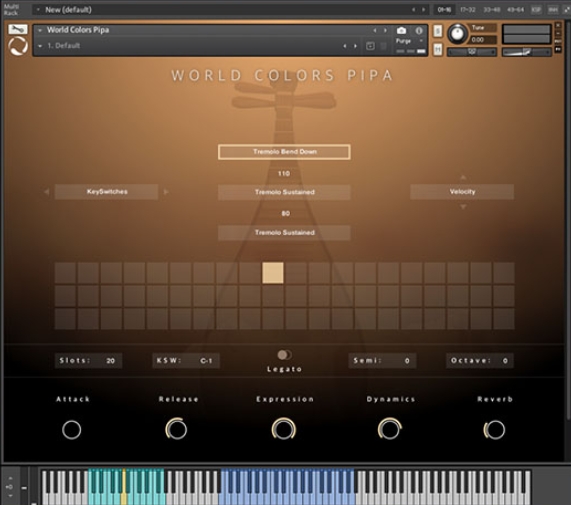 音频工具
World Colors Pipa 中国民乐琵琶音色
永久有效 · 网盘发货
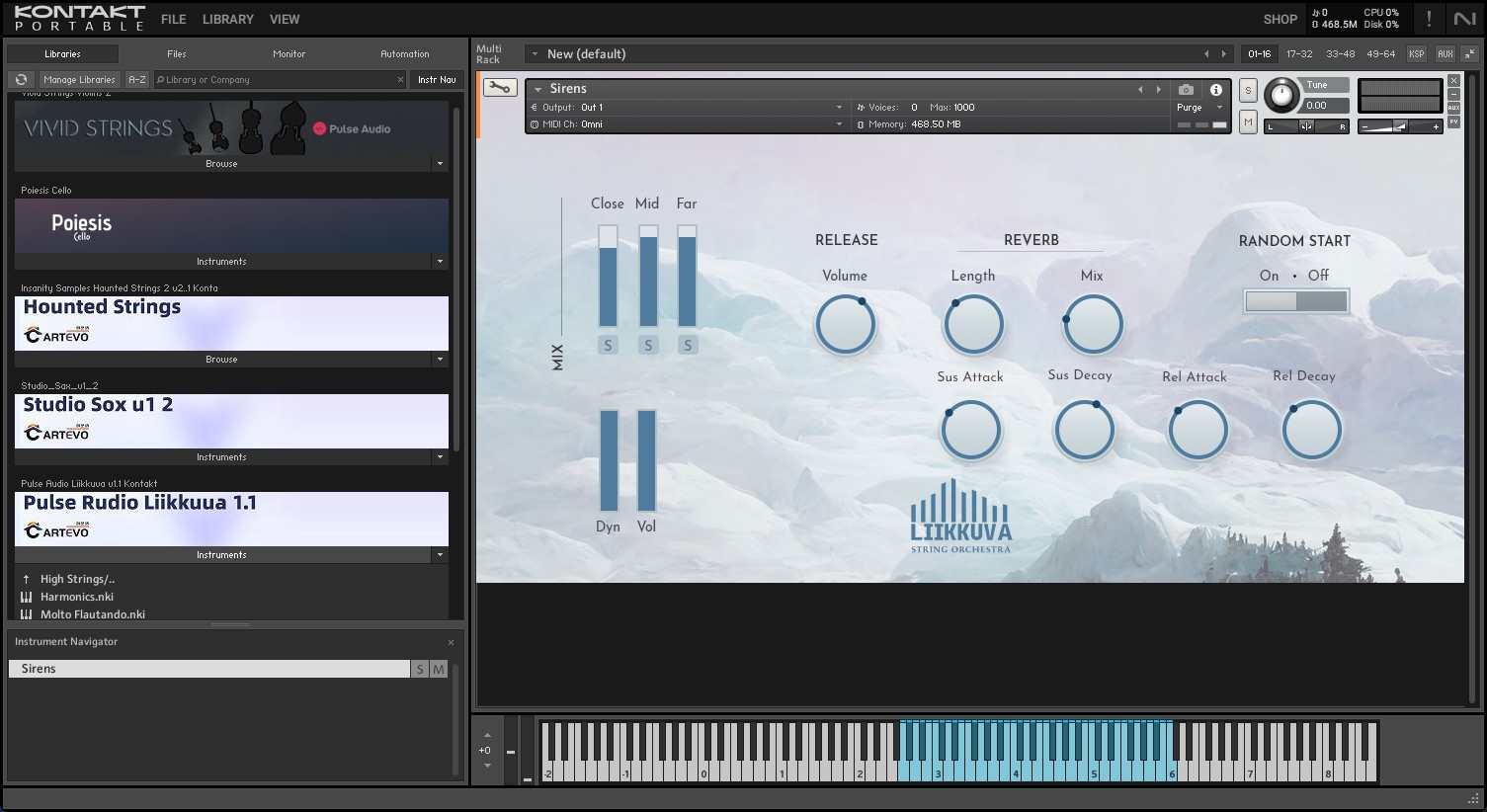 音频工具
Liikkuva v1.1北欧斯堪的纳维亚弦乐音源 配乐编曲Texture音色库
永久有效 · 网盘发货
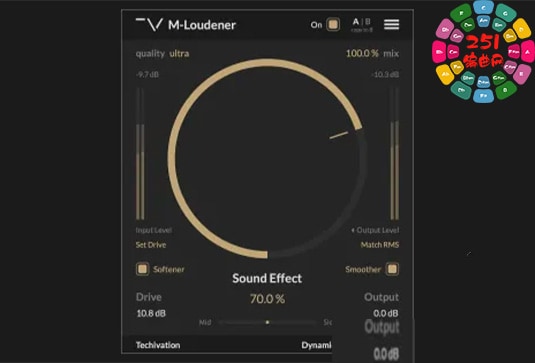 音频工具
动态范围增强器 Techivation M-Loudener v1.1.0 MOCHA Win
永久有效 · 网盘发货
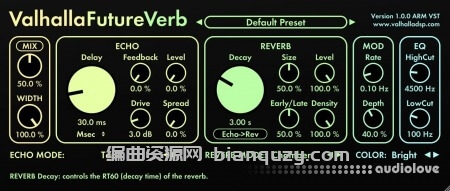 音频工具
未来混响 Valhalla DSP Valhalla FutureVerb v1.0.0.8 R2R Win
永久有效 · 网盘发货
 音频工具
木歌《情绪操控术》26节
永久有效 · 网盘发货