 正版资源
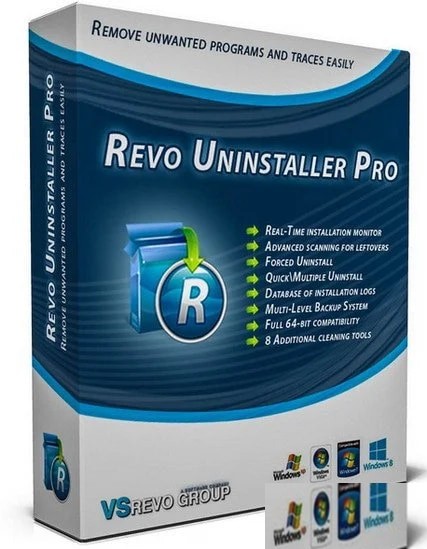
卸载或更改程序Revo Uninstaller Pro 5.5.4 Multilingual
Revo Uninstaller Pro 5.5.4 Multilingual 是一款 Windows 平台的卸载工具,安装包 16.5 MB,提供多语言界面。对做电子音乐、混音和配乐的人来说,它不在创作链路上,而在工程环境的维护环节:当某个插件、宿主或配套组件装坏了、卸不掉,或者在系统的「卸载或更
网盘链接 · 支付成功后自动发货
永久有效 · 链接失效免费补发
每日 9:00-21:00 在线客服
Revo Uninstaller Pro 5.5.4 Multilingual 是一款 Windows 平台的卸载工具,安装包 16.5 MB,提供多语言界面。对做电子音乐、混音和配乐的人来说,它不在创作链路上,而在工程环境的维护环节:当某个插件、宿主或配套组件装坏了、卸不掉,或者在系统的「卸载或更改程序」列表里直接消失时,用它把程序从系统里摘出去,并清理掉留下的文件和注册表键值。
卸载自带卸载器失效、或列表里消失的程序
插件试用版到期、宿主升级后旧版本没卸干净、授权组件或驱动装错版本,这些是制作机上半常见的状况。Windows 控制面板的「添加/删除程序」并不总能完整移除软件数据,而软件自带的卸载程序本身也可能报错、卡住,甚至条目根本不在列表里。Revo Uninstaller 针对的正是这两种情况:卸载程序出问题时,以及系统列表里找不到卸载选项时,它仍能帮你移除系统中不需要的程序。
适合经常试装插件、在多个宿主之间来回切换、或者一台机器上同时养着几套音源的人。放进工作流时注意两点:卸载前确认当前工程没有引用该插件,重要工程先另存或离线渲染一版;卸载宿主或音源前,先记下它的授权与内容库位置,避免重装时重新走一遍授权流程。
扫描注册表与文件键值,减少宿主扫描插件时的异常
它会用自身的算法分析并扫描程序在系统和注册表中的所有文件和键值,把程序彻底移除,不在系统里留下残留。这一点对音频工作流的实际意义在于:VST 目录里遗留的 dll、注册表里指向已删除路径的键值,往往会让宿主在启动扫描插件时出现重复条目、报错或加载失败。清完之后重新让宿主扫描一次插件目录,列表会干净很多,排查「这个插件到底还在不在」也省事。
需要克制的地方同样明确:公共插件目录、采样库和内容包常被多个音源共用,扫描结果里出现这类路径时要逐条确认再删;不确定的键值先备份注册表再动手。它解决的是环境整洁问题,不解决声音问题——卸载完记得回宿主里复查一遍插件列表和最近工程的加载情况。16.5 MB 的体积,放在维护工具文件夹里长期备着不占地方。
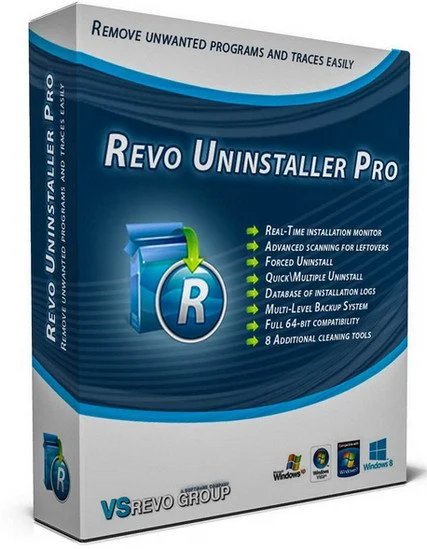
当软件自身的卸载程序出现问题或者在Windows 自身的“卸载或更改程序”中无法找到程序卸载选项,Revo Uninstaller便可以帮助您卸载或移除系统中不需要的程序。Revo Uninstaller还会凭借其先进和快速的算法,彻底分析和扫描程序在系统和注册表中的所有文件和键值,将程序彻底完全的移除,不会在系统中留下软件的任何残留!
File size: 16.5 MB
Revo Uninstaller Pro is innovative uninstaller program which helps you to uninstall unnecessary software and remove easily unwanted programs installed on your personal computer. Revo Uninstaller gives you the convenience to optimize your device, as well as to get rid of all the program files you do not need and slow down your computer processes. You might be surprised to learn that the “Add/Remove Programs” option in the Windows Control Panel does not always completely remove all software data from your system. Traces like registry items or program files and folders may still remain. Now with Revo Uninstaller you can be sure that you can clean your system from all these remnants and provide more comfort and optimization to your device.
Also, most programs come with their own uninstallers, but in most cases, these don’t do complete and thorough job, leaving behind temporary files, leftovers, unused registry entries, and other unnecessary program files. These remnants take up space and slow down your Windows PC, and can cause conflicts if you want to install a newer version of the same software in the future. That’s where Revo Uninstaller Pro comes in.
The secure and powerful uninstall of a program, sometimes becomes a difficult process. Windows inbuilt Add/Remove Program tool isn’t always the perfect solution. As we mentioned earlier it is slower and usually doesn’t remove all the traces of the application in your PC (like registry entries, files, folders of the program).
Revo Uninstaller is a great replacement for Add/Remove programs in Windows and offers lots of functions to remove guaranteed any program, faster and completely from your computer. It can effectively remove unnecessary files, folders and registry keys and values related to the program.
Revo Uninstaller also includes a number of cleanup tools such as Junk Files Cleaner, Browsers Cleaner, MS Office Cleaner, Windows Cleaner and Autorun Manager which can be used to take control of the programs that start automatically with Windows.
同类资源
与当前资源同分类推荐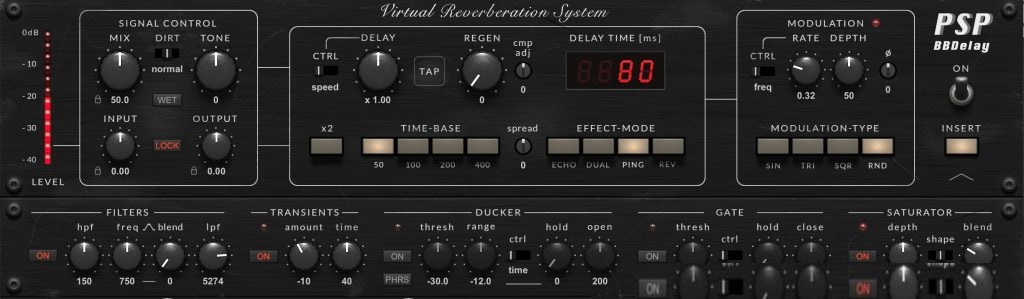 音频工具
受模拟电路启发的延迟和氛围处理器PSPaudioware PSP BBDelay v1.0.0 [WiN]
永久有效 · 网盘发货
 音频工具
将一次演奏转化为一系列丰富的创意S1gns Of L1fe Stellarizer v0.9.0 BETA [MacOSX]
永久有效 · 网盘发货
 音频工具
电影级自然声效库Rest and Relax Nature Sounds Calm Forest Sounds FLAC-FANTASTiC
永久有效 · 网盘发货
 音频工具
坦桑尼亚动物氛围Cloud Nine Records Tanzania Animals Ambience Vol.2 [FLAC]
永久有效 · 网盘发货
 音频工具
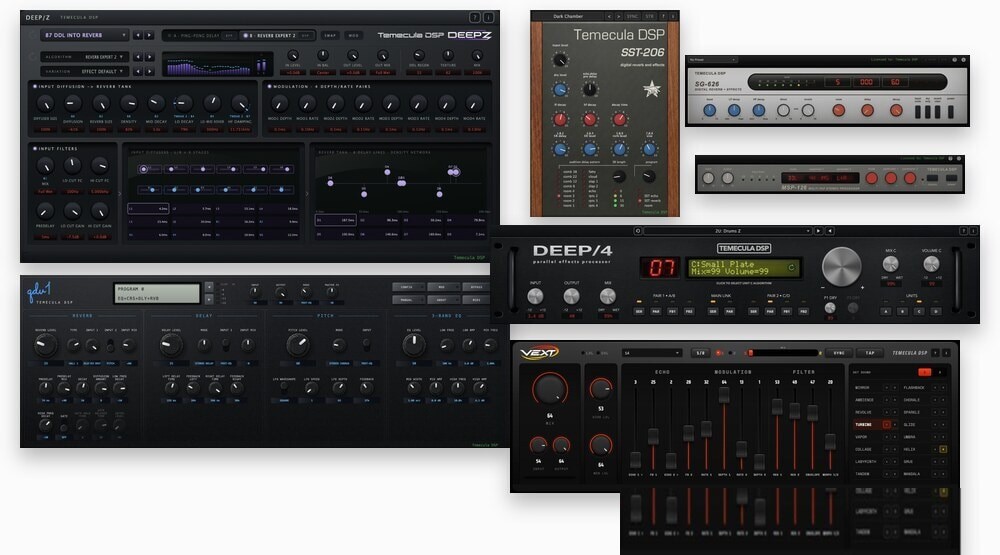
Temecula DSP Everything Bundle v2026.08 [WiN]
永久有效 · 网盘发货