 正版资源
从录音中识别乐曲Transcribe! 9.70 x64
Transcribe! 9.70 x64 是一款为“听录音扒谱”这件事专门优化的播放器。它不会替你自动识别音符,也不生成 MIDI 或乐谱,作用在于把一段录音变成可以反复拆解、慢速跟弹的素材:变速、变调、循环、标记位置,都围绕“听清一句、记住一句、弹出一句”来组织。对做电子音乐和配乐的人来说,它更像
网盘链接 · 支付成功后自动发货
永久有效 · 链接失效免费补发
每日 9:00-21:00 在线客服
Transcribe! 9.70 x64 是一款为“听录音扒谱”这件事专门优化的播放器。它不会替你自动识别音符,也不生成 MIDI 或乐谱,作用在于把一段录音变成可以反复拆解、慢速跟弹的素材:变速、变调、循环、标记位置,都围绕“听清一句、记住一句、弹出一句”来组织。对做电子音乐和配乐的人来说,它更像工程之外的听音工作台——需要从参考曲里取一段和弦走向、一段鼓组律动,或者把一段人声旋律记下来再重奏时,用它比在宿主里反复拖播放头更省事。
变速变调与循环:把一段录音拆成可练的片段
它的核心是即时改变速度和音高,两者互不牵连:放慢到能听清快速乐句的细节,音高不跟着塌下去;升高或降低调性,也不必重新导出音频。对扒带来说这一点很关键,贝斯线、内声部、密集的鼓组过门,往往只有在减速之后才分得清音头和音高。循环则是另一个常用动作:把一个小节或半句圈起来反复播放,并可以命名保存任意数量的循环段,下次打开还在。练琴和跟弹的人会直接把它当练习工具用,做制作的人则可以用它把参考曲里的某几拍单独拎出来,确认律动落在什么位置。
放进工作流时,建议把它的输出当成“结论”而不是“素材”:在这里确认调性、速度、段落结构、和弦根音,再回到宿主里动手。注意它播放的是原始录音,变速后的音质取决于算法与拉伸幅度,大幅度减速适合听辨,不适合拿来采样;要取样的话,还是回到宿主或专门的拉伸工具里处理。另外,扒带时先把整曲的速度和调性对齐,再逐段循环,比一上来就死磕单个音符效率高得多。
适合哪些曲风与使用场景
只要音乐里有需要被听清的音高与节奏信息,它就有用武之地。电子音乐里,用它核对参考曲的低频走向、和弦铺底的声部排列、鼓组的切分位置;配乐里,用它把一段管弦或合成器织体拆成几个可记的层;爵士、放克、摇滚这类和声与律动密集的曲风,本来就是它的典型用户群。人声旋律的记谱、采样源的和弦确认、翻弹前的结构梳理,都属于它的常规任务。
需要提醒的是,它是听音辅助,不是分析工具:不会给你和弦名,不会分离音轨,也不会判断拍号。结果准不准,取决于你的耳朵和耐心。把它当成一个能慢放、能圈段、能随时变调的播放器,预期就对了。

Transcribe! 应用是一款辅助工具,帮助用户从录音中识别乐曲,以便将其记谱、演奏或两者兼顾。它不会自动完成转录,但本质上是一款专为转录而优化的专业播放器程序。它拥有许多传统音乐播放器所不具备的转录专属功能。
File Size: 4.3 MB
The Transcribe! application is an assistant for people who want to work out a piece of music from a recording, in order to write it out, or play it themselves, or both. It doesn’t do the transcribing for you, but it is essentially a specialised player program which is optimised for the purpose of transcription. It has many transcription-specific features not found on conventional music players.
It is also used by many people for play-along practice. It can change pitch and speed instantly, and you can store and recall any number of named loops. So you can practice in all keys, and you can speed up as well as slow down. There is some advice about play-along practice in Transcribe!’s help, under the heading “Various Topics”.
And it is also used for speech transcription. With its support for foot pedals and its superior slowed-down sound quality, it is an excellent choice for this purpose. There is some advice about speech transcription in Transcribe!’s help, under the heading “Various Topics”.
Conventional music players (whether hardware such as a CD player or an iPod, or software such as Windows Media Player or iTunes) are really designed for people who want to listen to whole tracks. They are very inconvenient for transcribing music as they are not designed for this purpose. If you copy the recording to your computer’s hard disk as a sound file then you can use Transcribe! instead. Transcribe! offers many features aimed at making the transcription job smoother and easier, including the ability to slow down music without changing its pitch, to analyse chords and show you what notes are present, and the capability of adding markers and textual annotations so you can easily navigate around the track. Transcribe! also has a piano keyboard displayed on screen which you can click to play reference notes.
It is important to understand that Transcribe! does not attempt to do the whole job, processing an audio file and outputting musical notation or midi – this would be nice, but is a currently unsolved research problem. The spectrum analysis feature is very useful for working out those hard-to-hear chords, but you must still use your ear and brain to decide which of the peaks in the spectrum are notes being played, which are merely harmonics, and which are just the result of noise and broad-spectrum instruments such as drums. If you have never worked out even a simple piece of music by ear then Transcribe! will probably not help you (see How to Transcribe), but if you do sometimes work out recorded music by ear then Transcribe! can make the job a lot quicker and easier.
同类资源
与当前资源同分类推荐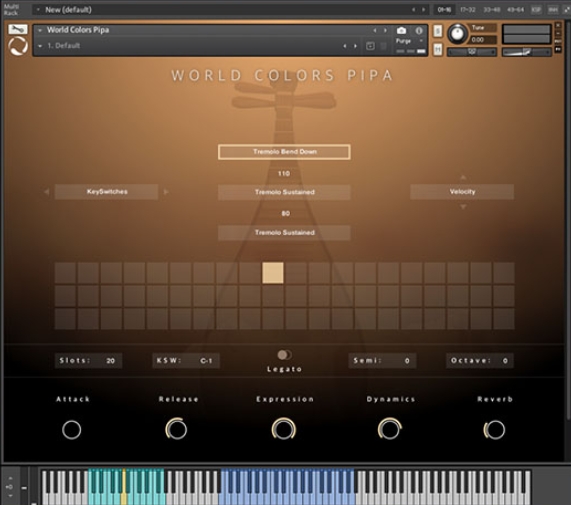 音频工具
World Colors Pipa 中国民乐琵琶音色
永久有效 · 网盘发货
 音频工具
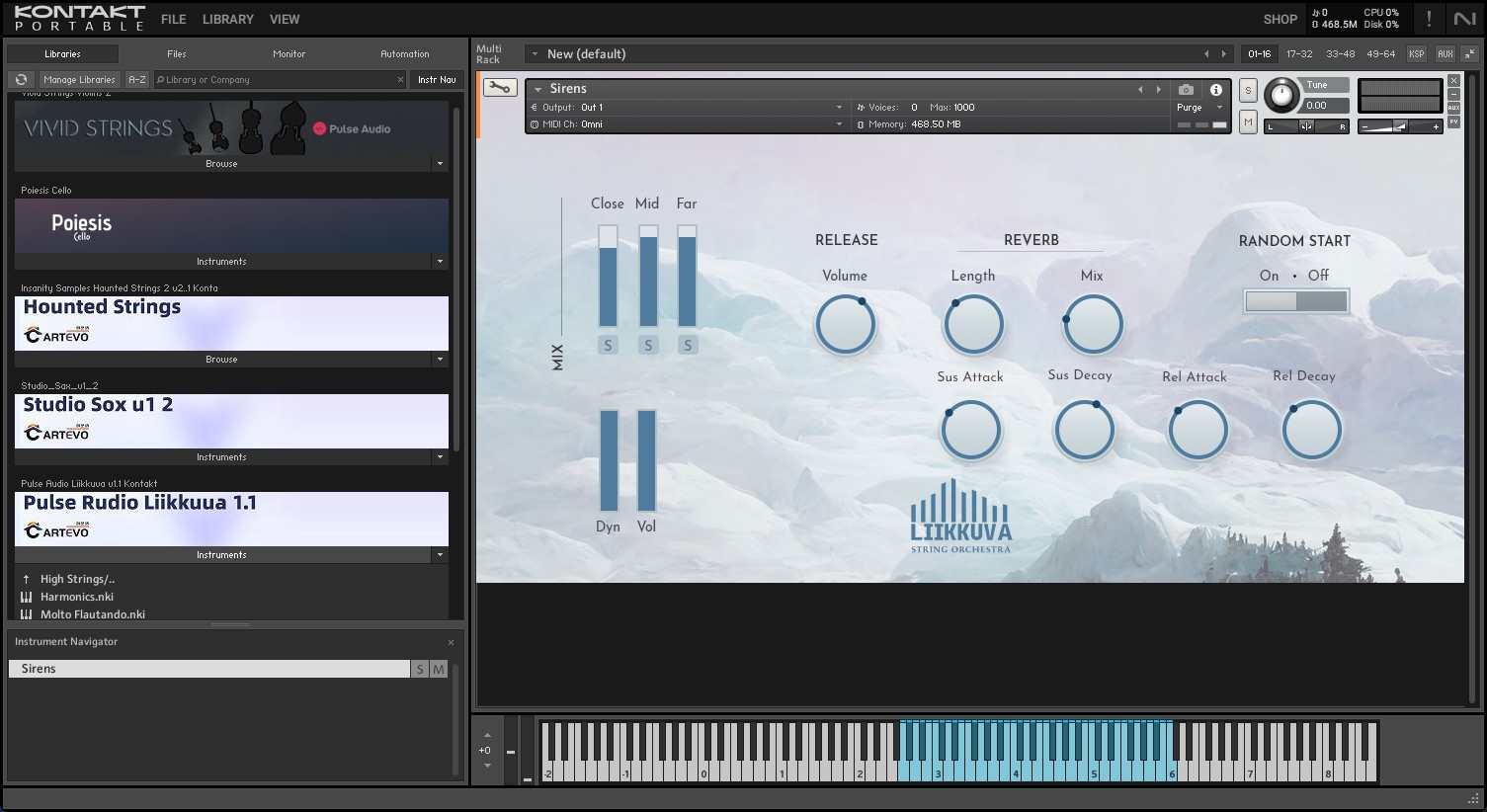
Liikkuva v1.1北欧斯堪的纳维亚弦乐音源 配乐编曲Texture音色库
永久有效 · 网盘发货
 音频工具
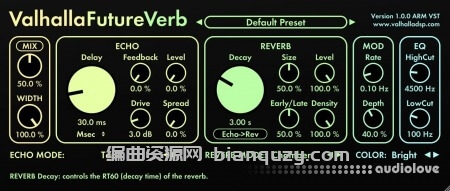
未来混响 Valhalla DSP Valhalla FutureVerb v1.0.0.8 R2R Win
永久有效 · 网盘发货
 音频工具
Seedance2.0打造AI剧实战课
永久有效 · 网盘发货
 音频工具
【kpop新专辑】TWICE – THIS IS FOR- WORLD TOUR FINALE in SEOUL – LIVE《THIS IS FOR》世界巡演首尔终场
永久有效 · 网盘发货