 正版资源
Adobe Lightroom Classic 2026 v15.6 x64 Multilingual
Adobe Lightroom Classic 2026(v15.6,x64,多语言,1.4 GB)是一款桌面端的照片编辑与整理软件,严格来说不属于音频工具——把它列进编曲人的工具箱,理由很实际:封面、发行页视觉、采样包封面图、配乐项目的参考图与现场记录,最后都要落到一张能看的图上。它提供一键式工具
网盘链接 · 支付成功后自动发货
永久有效 · 链接失效免费补发
每日 9:00-21:00 在线客服
Adobe Lightroom Classic 2026(v15.6,x64,多语言,1.4 GB)是一款桌面端的照片编辑与整理软件,严格来说不属于音频工具——把它列进编曲人的工具箱,理由很实际:封面、发行页视觉、采样包封面图、配乐项目的参考图与现场记录,最后都要落到一张能看的图上。它提供一键式工具和较细的手动控制,能把色彩提亮、把平淡的照片拉回可用状态,也能在桌面端把大量图片归好类再导出分享。
封面与发行物料:用生成式移除清掉画面里的杂物
自己拍封面的人多半遇到过同一个问题:桌面上摊着声卡、线材、MIDI 键盘,构图还行,但画面里总有不想出镜的东西。这一版加快了「生成式移除」「干扰人物移除」和「反射移除」的处理速度,修掉桌面杂物、误入画面的人影、显示器与玻璃面板上的反光都更顺手;遮色片工具和白平衡调整也比之前流畅,适合处理屏幕冷光加室内暖光这种混合光源下的偏色。做发行物料时把它当成最后一道工序:先拍够,再修图。注意生成式修改会改变像素内容,产品图和设备图要保留真实细节,改完留一份原片,不要在同一条链路上反复叠加。
线性 Raw DNG 降噪与联机拍摄:暗光记录与图库整理
线性 Raw DNG 档案里新增的降噪,对常在暗光下拍素材的人有用:排练室、livehouse、夜里临时搭的工作台,ISO 拉高之后的噪点可以在原始数据阶段压一压,比转成 JPEG 再救要干净。联机拍摄支援也更完善,相机直接连桌面,边拍边看大图,适合拍设备平铺图或给配乐项目攒情绪板。整理端是它的老本行,按项目、按曲风、按客户分目录,导出时统一尺寸和格式,交给设计或发行方时省掉一轮沟通。安装包 1.4 GB,x64 平台,多语言界面;它和宿主、插件互不干扰,装在同一台工作机上不必担心音频链路。真正要留意的是硬盘——图库和预览缓存会长得比想象中快,建议把目录放在独立分区。

Adobe Lightroom Classic 2026的主要新功能包括 增强的生成式 AI 工具、效能提升、更完善的联机拍摄支援,以及在线性 Raw DNG 档案中加入降噪功能。其中,使用者能体验到更快速的「生成式移除」、「干扰人物移除」和「反射移除」功能,以及更流畅的遮色片工具和白平衡调整。
File Size: 1.4 GB
Edit and organize your photos with the app that’s optimized for desktop. Lightroom Classic gives you powerful one-click tools and advanced controls to make your photos look amazing. Easily organize all your photos on your desktop, and share in a variety of ways.
Your best shots. Made even better.
Your photos don’t always reflect the scene the way you remember it. But with Lightroom Classic, you have all the desktop editing tools you need to bring out the best in your photographs. Punch up colors, make dull-looking shots vibrant, remove distracting objects, and straighten skewed shots. Plus, the latest release offers improved performance so you can work faster than ever.
– With better performance under the hood, Lightroom Classic lets you import photos, generate previews, and move from Library to Develop Module in record time.
– Use range masking tools to easily select the areas or objects you want to edit based on their color, luminance, or depth.
– Create HDR panos faster now that you can merge multiple bracketed exposures into multiple HDR photos and then stitch them into a panorama — all in one step.
The future of photography. Here today. Get to know Lightroom.
Go beyond the desktop and edit, organize, store, and share from anywhere with the cloud-based Lightroom photo service
– Store and access your full-resolution photos in the cloud
– Find photos on any device fast with auto tagging
– Edit from any device using an intuitive, streamlined interface
Accelerate image-editing with GPU support
Use the GPU of your system to enhance image-editing experience.
Organize your collections with color labels
Color labels can be added for collections, collections sets, and smart collections.
Support for new cameras and lenses
Adds support for new cameras and lens profiles.
Other enhancements
Find information about PNG export, batch merge for HDR and panoramas, and other new enhancements in this release.
Homepage
adobe.com
同类资源
与当前资源同分类推荐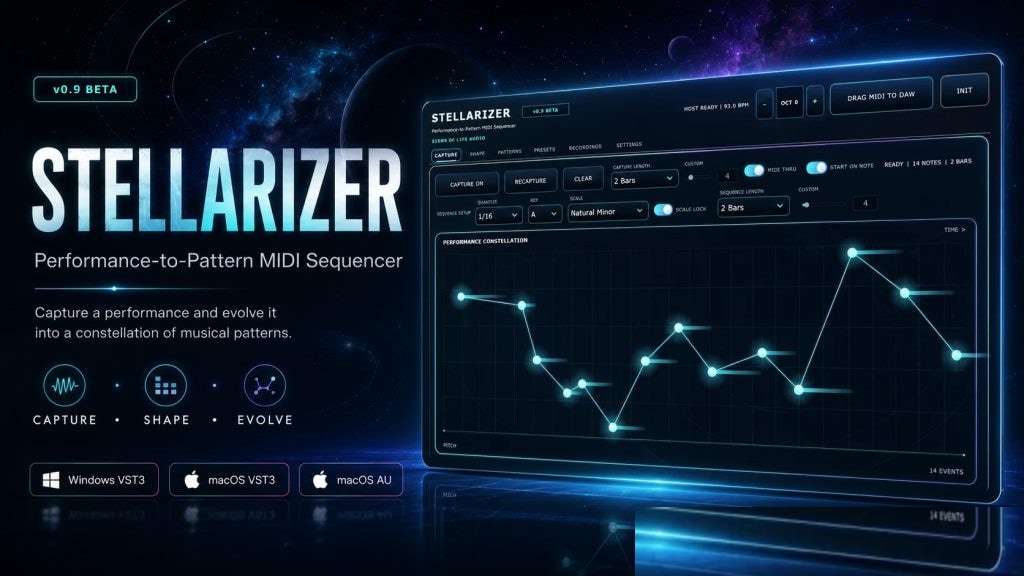 音频工具
将一次演奏转化为一系列丰富的创意S1gns Of L1fe Stellarizer v0.9.0 BETA [MacOSX]
永久有效 · 网盘发货
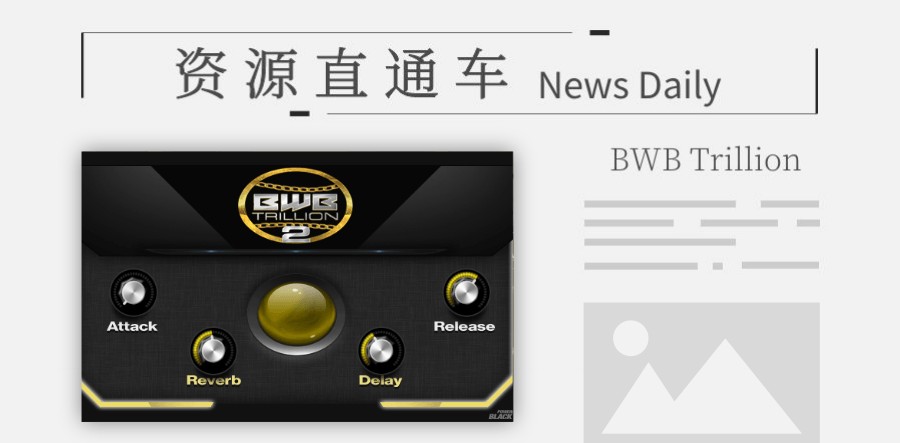 音频工具
「综合」小体积的电子综合音色BWB Trillion 2
永久有效 · 网盘发货
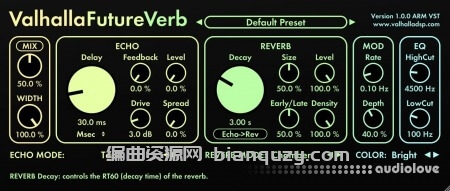 音频工具
未来混响 Valhalla DSP Valhalla FutureVerb v1.0.0.8 R2R Win
永久有效 · 网盘发货
 音频工具
音频转乐谱软件 Capella Audio2Score Pro 5 v5.0.0 Mac
永久有效 · 网盘发货
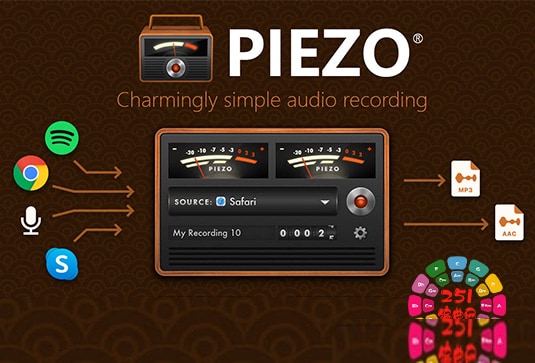 音频工具
苹果简易内录软件 Rogue Amoeba Piezo v1.9.7 Mac
永久有效 · 网盘发货