 正版资源
可以帮助您对图形文件进行批量放大、缩小、旋转、添加水印更换文件名等IRedSoft Batch It Ultra 6.79 x64
IRedSoft Batch It Ultra 6.79 x64 是一款批量图像处理器,文件体积 30.5 MB,x64 版本。对做电子音乐、混音和配乐的人来说,它处理的是作品外围的图形资产:单曲封面、专辑宣传图、采样包预览图、工程截图、发行页横幅。一张 EP 同时投几个平台,每个平台的尺寸和命名规
网盘链接 · 支付成功后自动发货
永久有效 · 链接失效免费补发
每日 9:00-21:00 在线客服
IRedSoft Batch It Ultra 6.79 x64 是一款批量图像处理器,文件体积 30.5 MB,x64 版本。对做电子音乐、混音和配乐的人来说,它处理的是作品外围的图形资产:单曲封面、专辑宣传图、采样包预览图、工程截图、发行页横幅。一张 EP 同时投几个平台,每个平台的尺寸和命名规则都不一样,逐张手动改图最耗时间,这类工具的价值就在这里。
批量缩放与裁剪:把封面和预览图对齐到平台规格
它的缩放不是单一比例,而是分了几种方式:按像素缩小、按像素放大、按百分比、按比例、按裁剪、按边框。实际用起来最省事的是先定一个基准尺寸,再按像素批量缩小出一套小图;需要统一视觉时可以保持原始宽高比,避免封面被拉变形。批量裁剪适合处理扫描件或带多余白边的素材,一次把不要的边框切掉,不用逐张对齐。做采样包时,把成百张波形截图或界面截图丢进去,一次输出成统一尺寸,比在图像软件里录动作更直接。
水印、旋转与 HTML 缩略图目录
除了尺寸,它还能批量旋转、批量加水印、批量更换文件名。水印对提前流出的试听版封面、给合作方看的预览图很实用;批量改名则方便把导出文件按“曲名_尺寸_用途”的规则统一,后面归档和上传都少出错。它另外提供 HTML 向导,能生成带缩略图链接的 HTML 页面,以及在线幻灯片,用来做作品集或给客户看一版图集,不必另外搭页面。
适合的场景偏实用:电子音乐发行前的封面套图、配乐项目的分镜与情绪板截图、混音工程的界面留档。放进工作流时注意两点:一是先备份原始文件,批量处理不可逆,改名尤其容易把顺序搞乱;二是先拿三五张试跑,确认尺寸、水印位置和命名规则没问题再全量跑。它只管图形,响度和导出格式还是要在宿主里解决。

IRedSoft Batch It Ultra 可以帮助您对图形文件进行批量放大、缩小、旋转、添加水印更换文件名等,提供 HTML 向导生成含缩略图连接的 HTML 文件和在线幻灯片
File size: 30.5 MB
Batch It Ultra is our flag ship comprehensive Batch Image Processor. This current version 5 has been totally redesigned and rewritten from bottom up to support the latest Windows Operating System.
Key Features of Batch It Ultra 5 includes
Batch Resizing. It supports popular resizing methods which includes Downsizing By Pixels, Upsizing By Pixels, By Percentage, By Ratio, By Cropping and By Frame. You can resize the photos while retaining its original Ratio Aspect or perform a batch cropping to remove any undesirable borders especially when the documents are being scanned. In order to allow you to fine-tune the resultant photos, Batch It Ultra offers you the option to utilize different Resampling Algorithm to enhance the image quality. The Resizing By Frame method allows you to keep the same width and height dimensions while keeping the same ratio aspect for all your images by padding the smaller dimensions with the frame color. Resizing By Frame can either downsize or upsize the pictures to fit. In order to save you time, you can use Batch It Ultra to resize the same images into 3 different sizes in a single run. You can use this to make adjustment to your original file and save an additional two more sizes for perhaps for different screen displays or as thumbnail photos.
Resizing By Frame
Batch Format Conversion. It supports importing of images of many commonly used formats such as JPEG, PNG, TIFF (Single Page), BMP, JPEG 2000, PCX, Windows HD Photo, GIF, TARGA, DIB, RLE, PIX, Truevision Vista Graphic, Portable Bitmap, GFI Fax, Adobe Photoshop, Paint Shop Pro, Dr Halo Cut and Kodak PhotoCD. It supports export to JPEG, PNG, BMP, GIF, TIFF, JPEG 2000, PCX, PBM, PPM, PGM and Windows HD Photo Formats.
48 Bit Color Depth Support for TIFF Images. Apart from the 1 Bit, 2 Bits, 4 Bits, 8 Bits and 24 Bits Color Depth for the supported images, we also support 48 Bit Color Depth for TIFF.
Image Effects. Apart from resizing the images, Batch It Ultra has a comprehensive toolbox to enhance your photos. This includes Sharpen, Sharpen More, Blur, Blur More, Brightness, Contrast, Old Photo effect, Emboss, Negative, Grayscale, Auto Equalize, Red, Green, Blue, Drop Shadow, Red Eye Removal, Round Corners and Borders. It also offers the option to create a tiled image.
Rounded CornersNegative
Sepia
Tiling
Grayscale
Batch Filename Changer. It supports batch renaming of all your image files to a name which would be more relevant to you. It allows you to add a prefix and/or suffix to the existing filename, Add a running number to the images and even change the way the new filename would appear based on your preferences. It comes with several macros such as file dates which can be used to generate the new filenames. You can utilize the Smart Replace method to change certain text within the original filename to something else. This will allow you to rename your image files to something more descriptive.Now this support is extended to all types of files so you can use it to rename your videos or document files.
Batch Text Captioning. Text Captions can be copyright text, descriptions or captions which you can add to the images. Batch It Ultra offers 14 different location options to where you want to add the Text Captions on the image, this includes Diagonal, Top (Left, Middle, Right), Center (Left, Middle, Right), Bottom (Left, Middle, Right) and Vertical Left Bottom Up, Vertical Left Top Down, Vertical Right Bottom Up and Vertical Right Top Down. There is also two Random options if you do not know where you want to add the text captions. You could even have it add a border to place the text caption in. You can add up to 3 text captions to the images by using static text or one or more of the built-in macros. Text Caption Transparency is also supported.
Homepage
同类资源
与当前资源同分类推荐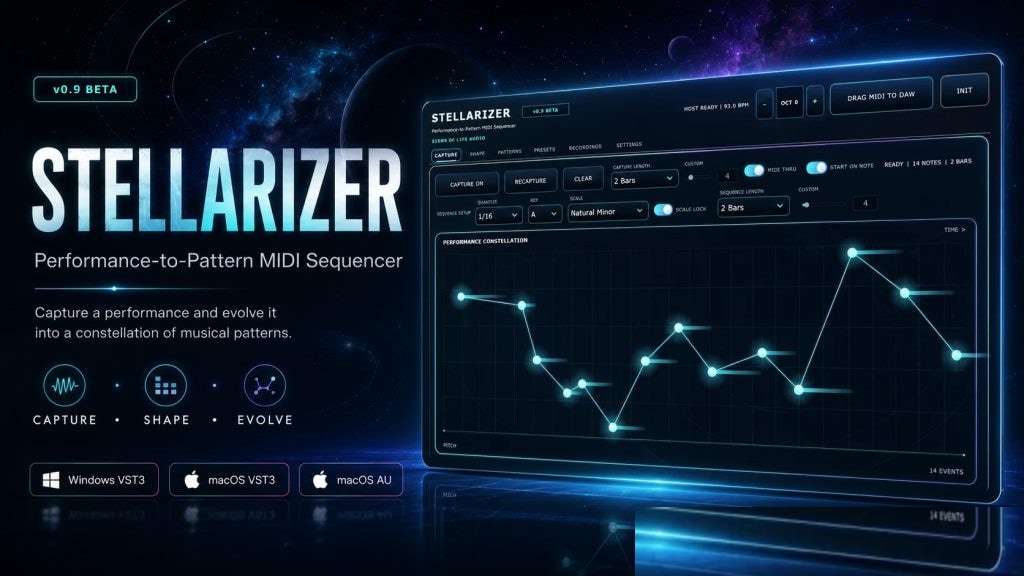 音频工具
将一次演奏转化为一系列丰富的创意S1gns Of L1fe Stellarizer v0.9.0 BETA [MacOSX]
永久有效 · 网盘发货
 音频工具
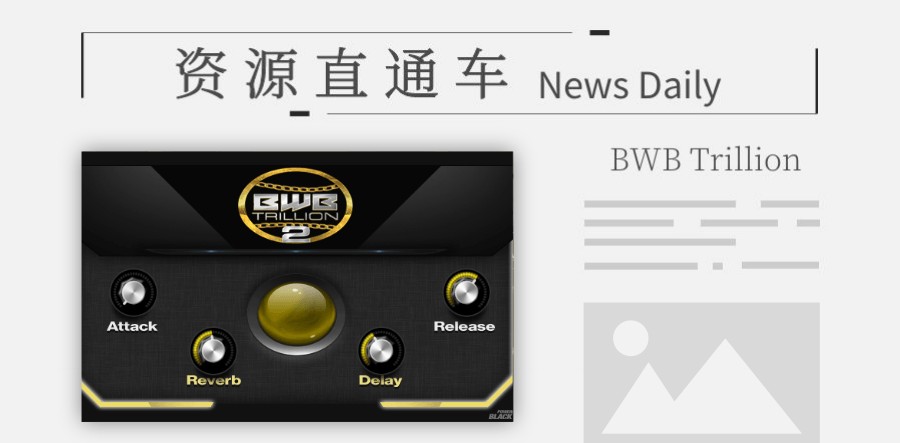
「综合」小体积的电子综合音色BWB Trillion 2
永久有效 · 网盘发货
 音频工具
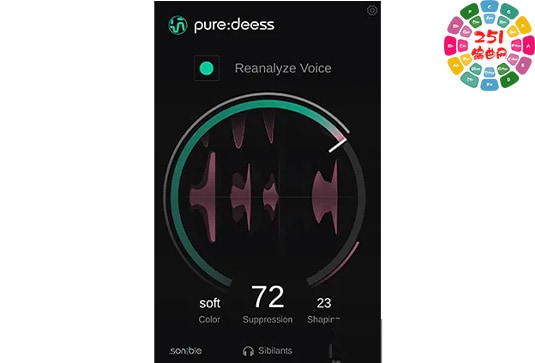
智能齿音去除器 Sonible puredeess v1.0.0 MacOS-MORiA (Sonible pure deess )
永久有效 · 网盘发货
 音频工具
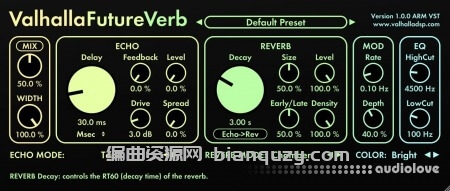
未来混响 Valhalla DSP Valhalla FutureVerb v1.0.0.8 R2R Win
永久有效 · 网盘发货
 音频工具
音频转乐谱软件 Capella Audio2Score Pro 5 v5.0.0 Mac
永久有效 · 网盘发货