 正版资源
幻灯片制作工具WnSoft PTE AV Studio Pro 12.0.5 Multilingual
WnSoft PTE AV Studio Pro 12.0.5 是一款幻灯片制作工具,Windows x64 版本,安装包 110.3 MB。对做电子音乐和配乐的人来说,它的价值不在“做相册”,而在于把音频和画面放进同一条时间线上对齐:可以添加照片、视频剪辑和音乐,在“时间轴”视图里编辑音频片段,并
网盘链接 · 支付成功后自动发货
永久有效 · 链接失效免费补发
每日 9:00-21:00 在线客服
WnSoft PTE AV Studio Pro 12.0.5 是一款幻灯片制作工具,Windows x64 版本,安装包 110.3 MB。对做电子音乐和配乐的人来说,它的价值不在“做相册”,而在于把音频和画面放进同一条时间线上对齐:可以添加照片、视频剪辑和音乐,在“时间轴”视图里编辑音频片段,并把幻灯片与多条轨道上的音频同步。做配乐小样、给客户看情绪板、把成品曲子配上画面做试听,都能在一个工程里完成,不必在宿主和视频软件之间来回导。
时间轴视图:多轨音频与画面卡点
时间轴上可以铺多条音频轨道,音乐、音效与画面节点各自独立,拖动片段就能改变对齐关系。对电子音乐来说,这意味着不必先在宿主里导出整段再回来看有没有卡上,而是直接在时间轴上挪动音频,让重音、break 和 drop 落在画面切换处。环境音乐、氛围铺底这类节奏不强的曲子,更适合用它做长镜头的缓慢推进;鼓点明确的 house、techno 或预告片式配乐,则更适合按小节对齐切点。需要清楚边界:这里的音频编辑是片段级的对齐与裁剪,不是混音台,压缩、EQ、总线处理仍要回宿主完成,导进来的应当是已经处理好的成品。适合三十秒到几分钟的短片——预告、作品集、单曲视觉化预览这一类。
关键帧动画、蒙版与 PC/HD/4K 输出
关键帧动画和幻灯片样式可以做出平移、缩放、旋转、3D 变换、蒙版等效果,支持实时预览,改完即看,不用等渲染。输出覆盖 PC、HD 和 4K 视频以及移动设备,交付时按客户要的规格选即可。放进工程时注意两点:实时预览不等于最终渲染,出 4K 前先用小尺寸过一遍,确认动画没有跳帧;模板动画自带一套节奏,套用后要按你的曲速重新调关键帧间隔,否则画面会和拍子打架。另外,画面动效越多,越容易盖过音乐本身的动态,配乐类项目里宁可让动画克制一些,把注意力留给声音。

一款专业出众的幻灯片制作工具,软件能够添加照片,视频剪辑和音乐。使用关键帧动画和幻灯片样式。在“时间轴”视图中编辑音频片段,支持PC、HD和4K视频、移动设备的输出。,软件能够添加照片,视频剪辑和音乐。使用关键帧动画和幻灯片样式。在“时间轴”视图中编辑音频片段,支持PC、HD和4K视频、移动设备的输出,使用软件,您可以通过简单的步骤就在几分钟内为您的PC、电视和移动设备创建令人印象深刻的照片和视频幻灯片。并且不管是专业摄影师或者是普通的爱好者都能够轻松完成操作,您可以自定义添加喜欢的照片、音乐、视频剪辑等,还可以应用各种效果,如平移、缩放、旋转、3D变换、蒙版等,支持实时预览,这样的话您可以根据实时效果进行修改和编辑,具有最高质量的图片和流畅的动画播放。您可以使用时间轴视图功能来将您的幻灯片和多条轨道上的音频剪辑进行同步,提供丰富的模板动画让您使用,让整个创建过程更加简单便捷
Windows x64 | File size: 110.3 MB
Create professional photo slideshows in PTE AV Studio Pro (PicturesToExe). Add photos, video clips and music. Use Keyframe animations and Slide Styles. Edit audio clips in the Timeline view. Output for PC, HD and 4K video, mobile devices.
For Enthusiasts and Professional Photographers
PTE AV Studio 10 offers you full creative control for your projects. Use the timeline view for perfect synchronization of slides with audio clips on multiple tracks. Powerful keyframe animations with effects. More than 125 templates/styles of animations will help you to easily create your slideshow.
Pan, Zoom, Rotate, 3D
Adjust pan, zoom, rotate, 3D transformations.
Control opacity, blur, unsharp mask, and color effects.
Nested Animation
Create complex parent-child animation of objects.
Images and Video Clips
Mix images and video clips together on the screen.
Timeline View
Add and view multiple audio tracks which may be played simultaneously. Synchronize slides with audio clips on the timeline using time points. Link audio clips with slides.
Audio Editor
Envelope tool (keypoint control of sound volume). Edit audio clips: fade in/out, start time, duration, cross-fading.
Objects
Add images, video clips, text captions, masks, interactive buttons and more.
Keyframe Animations
Keyframes work like waypoints. Add first keyframe and adjust position and size of an object. Add last keyframe and adjust the final position of an object and its parameters. PTE AV Studio will animate the object between these keyframes using pan, zoom, rotate etc.
Color Adjustments
Adjust the brightness, contrast, levels, hue, saturation of an image/video. Apply a sepia effect and other color filters. Support of color profiles.
Image Adjustments
Crop images and videos, add beautiful white frame and drop shadow. Apply dynamic blur effect. Use zoom in a frame. Apply masking effect.
Color Management
Support of Adobe RGB monitors in preview and executable shows.
Executable Shows for PC
PTE AV Studio allows you to create slideshows as executable files for PC and Mac.
The highest picture quality is possible, because PTE AV Studio uses original images from the project. Smooth playback of animations synchronized with a monitor refresh rate. Automatic or manual slide advance. Interactive objects with actions. Instant creation of executable files.
Slide Styles and Transitions
125+ customizable slide styles, themes and transition effects. Each slide style allows you to easily adjust several parameters of animation. Create new slide styles, themes and transitions and share with other users.
Text Captions
Add text captions with animation. Create text macros from EXIF metadata and apply to all or selected images.
System Requirements:Windows 11, Windows 10, Windows 8, Windows 7. Only 64-bit
Homepage
同类资源
与当前资源同分类推荐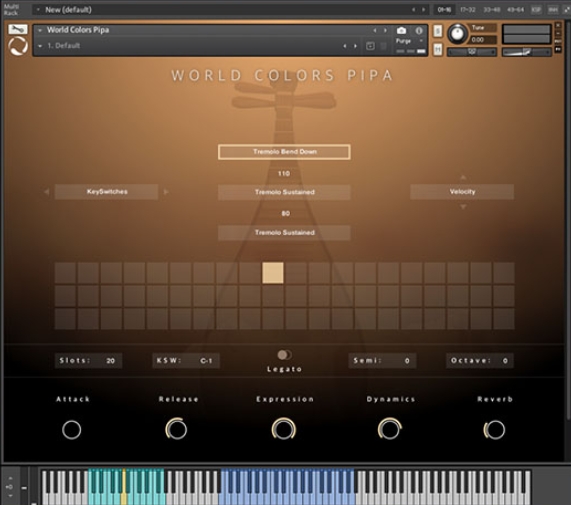 音频工具
World Colors Pipa 中国民乐琵琶音色
永久有效 · 网盘发货
 音频工具
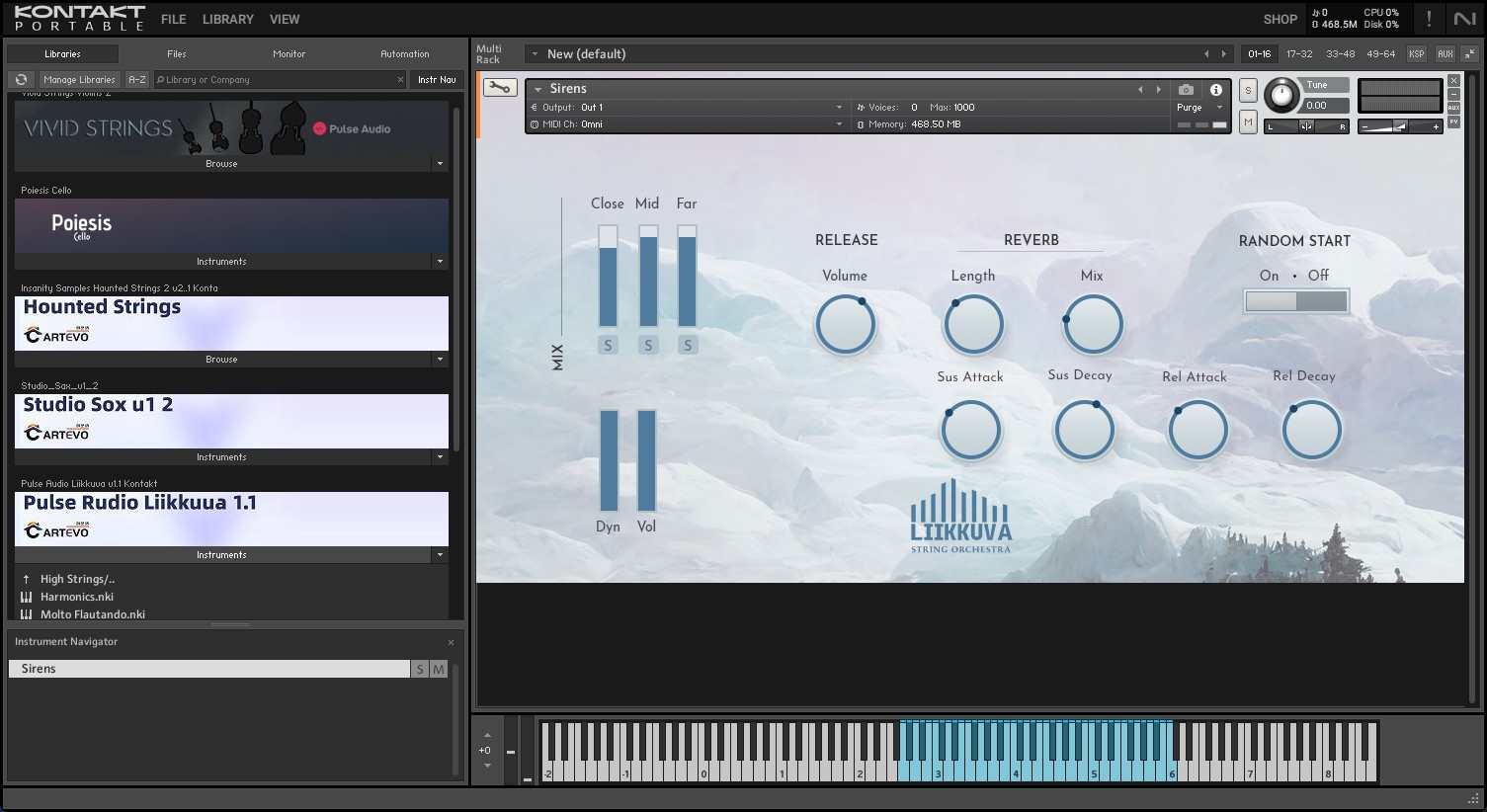
Liikkuva v1.1北欧斯堪的纳维亚弦乐音源 配乐编曲Texture音色库
永久有效 · 网盘发货
 音频工具
键盘音色合集 Arturia Analog Lab V Pro v5.12.6-L O S T [MacOSX]
永久有效 · 网盘发货
 音频工具
预设文件合集 STL Tones Kemper Profiles KiPR Collection v2025.2
永久有效 · 网盘发货
 音频工具
动态范围增强器 Techivation M-Loudener v1.1.0 MOCHA Win
永久有效 · 网盘发货