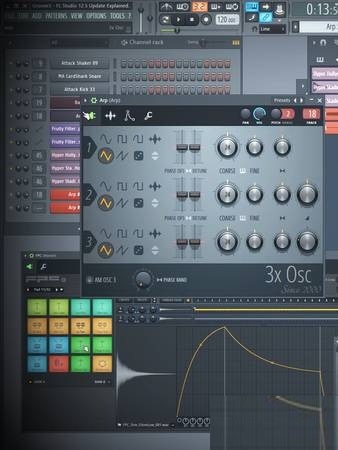
 正版资源
FL Studio 12.5 更新详解 [教程]Groove3 FL Studio 12.5 Update Explained [TUTORiAL]
《Groove3 FL Studio 12.5 Update Explained》是一套由 Tyler Coffin 主讲的 FL Studio 12.5 更新详解视频教程,随课程附带 FL Studio 工程文件。它解决的是版本差异带来的问题,而不是从零开始学 FL:哪些面板改了、哪一步流程被压缩
网盘链接 · 支付成功后自动发货
永久有效 · 链接失效免费补发
每日 9:00-21:00 在线客服
《Groove3 FL Studio 12.5 Update Explained》是一套由 Tyler Coffin 主讲的 FL Studio 12.5 更新详解视频教程,随课程附带 FL Studio 工程文件。它解决的是版本差异带来的问题,而不是从零开始学 FL:哪些面板改了、哪一步流程被压缩、哪些插件需要重新认识,最后用贯穿全系列的歌曲实例把这些改动落到实际写作里。已经在用 FL 编曲的人,可以把它当作一次系统的功能盘点,而不是入门课。
拾音器面板与 Pattern 转音频片段
这两项直接改变素材在工程里的流动方式。把 Pattern 渲染为音频片段后,可以直接在播放列表里对成品波形做切片、反向、拉伸和拼接,省掉导出再导入的往返;处理鼓组碎片、glitch 填充、人声切片和现场录音时,这个差别最明显。拾音器面板则关系到素材的抓取与再处理,适合先把 Loop 做出来、再拆开重组的做法。曲风上,future bass、drum & bass、glitch hop 这类依赖音频片段拼贴和节奏切分的类型受益最大;做配乐时也可以用它把零散音效固定成可拖动的片段。
DirectWave 界面与工作流选项
DirectWave 的界面与选项更新,讲的是如何用它改进、增强已有的声音:采样器的分层、包络与滤波思路在音色设计和配乐里通用,不局限于电子舞曲。工作流部分覆盖播放列表和钢琴卷帘窗的新增功能,以及一些插件的新增与更新,属于日常操作层面的提速,改动零碎,但累积起来能省下不少点击。做 beatmaking、hip-hop/trap、EDM,或者给影像做配乐,都能从中挑出对自己有用的段落。
- 教程录制于 12.5 时期,新版里的入口位置和选项措辞会变,跟做时以功能名为准,不必死记菜单路径。
- 建议开着附带的工程文件同步操作,先看它怎么用,再回头想自己工程里哪一步可以换成新流程。

P2P | 02 September 2017 | 559 MB
FL Studoi 高手 Tyler Coffin 将带你深入了解 Imaqe Line FL Studoi 12.5 的全新更新!你将学习到所有新功能和选项,并观看 Tyler 在本系列视频中实际操作,学习如何运用这些功能创作歌曲。你甚至还能获得 FL Studoi 项目文件!
Tyler 首先会向大家致欢迎辞,并概述本系列视频的内容,以及 FL Studoi 12.5 的新增功能。
随后,Tyler 将深入讲解全新的拾音器面板、将 Pattern 渲染为音频片段、播放列表和钢琴卷帘窗的新增功能,以及一些很棒的插件新增和更新。
接下来,你将学习到经过改进的 Directwave 采样器中的全新界面和选项,以及如何使用它来改进和增强其他声音。
接下来,我们将展示更新后的工作流程选项,您将体验到 12.5 版本中新增的各种功能,这些功能将帮助您优化工作流程,让您在 FL Studoi 中工作和创作更加便捷愉快。
最后,Tyler 将重点介绍一些新功能,并回顾它们的要点。您还将通过贯穿整个系列的歌曲示例,了解这些新功能的实际应用。更多
信息,请参阅下方的各个教程说明。如果您是 FL Studoi 用户,那么了解并掌握 12.5 版本更新中的所有新功能是理所当然的。立即观看“FL Studoi 12.5 更新详解”视频吧!
FL Studio guru Tyler Coffin gives you an in-depth tour of the new Image Line FL Studio 12.5 update! Learn all about its new features and options, as well as see them used in-action, as Tyler uses them as he works on a song throughout the series. You even get the FL Studio project file too!
Tyler begins by welcoming you and goes over what will be covered in the series, as well as gives you an overview of the new things found in FL Studio 12.5.
Tyler then jumps right in, exploring and explaining the new Picker Panel, Rendering Patterns as Audio Clips, the new additions to the Playlist and Piano Roll, and cool plug-in additions and updates.
Next up, you’ll learn all about the new interface and options found in the revised Directwave Sampler, and how you can use it to improve and enhance other sounds.
Updated Workflow Options are then revealed, and you’ll experience all the various new features that were added to 12.5 that will help fine-tune your workflow, making it as convenient and enjoyable as possible to work and create in FL.
Wrapping it up, Tyler goes over some new feature highlights and recaps some of the their important points. You’ll also get a few more real-world examples of the new features used in-action, via the song that is put together throughout the series.
See the individual tutorial descriptions below for more info. If you’re a FL Studio user, knowing and understanding all the new features found in the 12.5 update is a no-brainer. Check out “FL Studio 12.5 Update Explained” today.
同类资源
与当前资源同分类推荐 编曲宿主
Cubase Pro v12.0.20-V.R MAC
永久有效 · 网盘发货
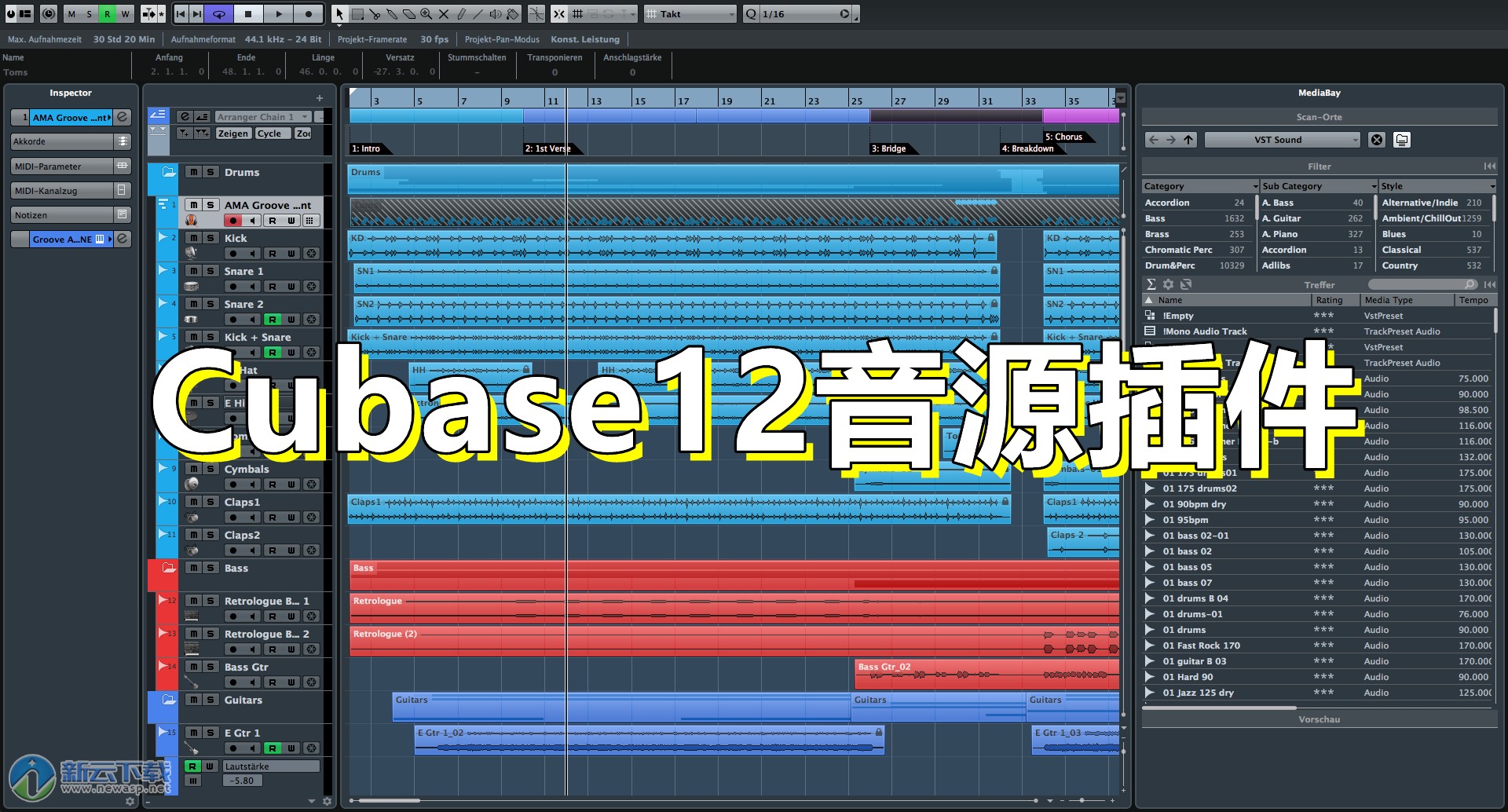 编曲宿主
Cubase12最新完整版 – Cubase软件完整版音色库【不包含软件】[Windows]
永久有效 · 网盘发货
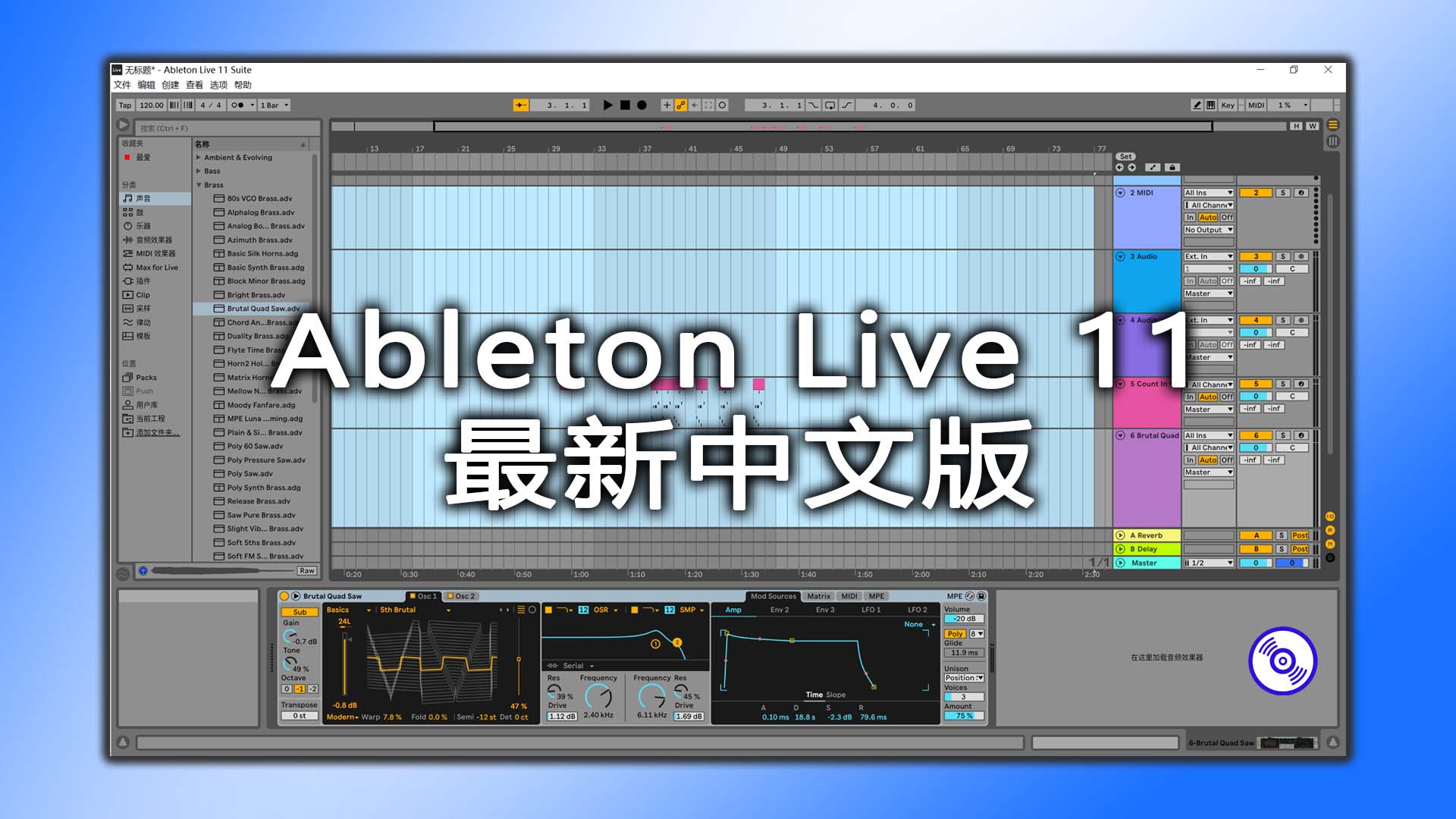 编曲宿主
Ableton Live 11软件最新版![Win-Mac] 电子音乐制作必备软件Ableton Live 11最新版v11.3.13 支持中英文完整功能版 [支持M1M2]
永久有效 · 网盘发货
 编曲宿主
音乐制作宿主软件 Steinberg Cubase Pro 15 v15.0.5 R2R U2B
永久有效 · 网盘发货
 编曲宿主
音乐制作宿主软件 Steinberg Cubase Pro 14 Mac (一键安装版)
永久有效 · 网盘发货