 正版资源
磁盘迁移克隆软件Donemax Disk Clone Enterprise 3.5
File size: 83.28 MB Donemax Disk Clone Enterprise是一款磁盘迁移克隆软件,可帮助您将一个磁盘驱动器的全部内容复制到另一个磁盘驱动器。 Donemax Disk Clone(也称 DMclone)可帮助您将一个磁盘驱动器的全部内容复制到另一个磁盘驱动器,
网盘链接 · 支付成功后自动发货
永久有效 · 链接失效免费补发
每日 9:00-21:00 在线客服

File size: 83.28 MB
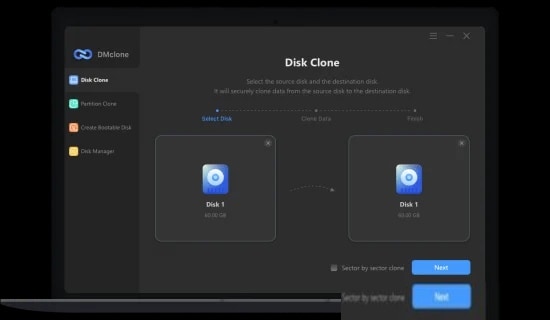
Donemax Disk Clone Enterprise是一款磁盘迁移克隆软件,可帮助您将一个磁盘驱动器的全部内容复制到另一个磁盘驱动器。
Donemax Disk Clone(也称 DMclone)可帮助您将一个磁盘驱动器的全部内容复制到另一个磁盘驱动器,从而获得两个文件结构完全相同的驱动器。它可以安全便捷地将任何来源的 HDD、SSD、存储卡等克隆到新设备。有了这款屡获殊荣的磁盘克隆软件,无需重装 Windows 操作系统即可将旧硬盘升级到新硬盘不再是难事。
DMclone 是一款高效的磁盘克隆软件,
适用于 Windows 系统,是市面上最好的磁盘克隆软件之一。它可以帮助您安全便捷地将硬盘、固态硬盘、存储卡、U盘等设备从一个位置克隆到另一个位置。您还可以使用它来升级旧硬盘,而无需重新安装 Windows 操作系统。
分区克隆模式:
分区级别的磁盘克隆模式。可以将硬盘分区克隆到新的硬盘分区或设备,也可以将外部设备中的数据克隆到硬盘分区。
磁盘克隆模式:
磁盘级磁盘克隆模式。此模式可帮助您轻松地将整个硬盘驱动器克隆到另一个硬盘驱动器或外部设备,或将外部设备上的数据克隆到您的硬盘驱动器。
支持的设备
– 所有台式机和笔记本电脑
– 硬盘驱动器(HDD)
– 固态硬盘 (SSD) – U盘 – 存储卡 – 数码相机 – RAID – 其他数码设备
文件系统
– NTFS/NTFS+
– exFAT
– FAT 12/16/32
– Ext 2/3/4
– 其他
支持 Windows 7、Vista、8、10、11 和 Windows Server
Donemax Disk Clone (also DMclone) helps you to copy the entire contents of one disk drive to another to get two identical drives with the same file structure. It can securely and easily clone HDD, SSD, memory card, etc. from any source to another new device. Upgrading old hard drive to a new one without reinstalling Windows OS isn’t a hard task any more with this award-winning disk cloning software.
Efficient Disk Cloning Software
DMclone for Windows is one of the best disk cloning software. It can help you securely and easily clone HDD, SSD, memory card, USB flash drive, etc from one location to another. You also can use it to help you upgrade old hard drive to a new one without reinstalling Windows OS.
Partition Clone Mode
The partition-level disk cloning mode. Clone a hard drive partition to a new hard drive partition or device or clone data from external device to your hard drive partition.
Disk Cloning Mode
The disk-level disk cloning mode. This mode can help you easily clone an entire hard disk drive to another hard disk drive or external device or clone data from external device to your hard disk drive.
Supported Device
– All desktops and laptops
– HDD
– SSD
– USB flash drive
– Memory card
– Digital camera
– RAID
– Other digital device
File System
– NTFS/NTFS+
– exFAT
– FAT 12/16/32
– Ext 2/3/4
– Others
Support for Windows 7, Vista, 8, 10, 11 and Windows Server
Homepage
同类资源
与当前资源同分类推荐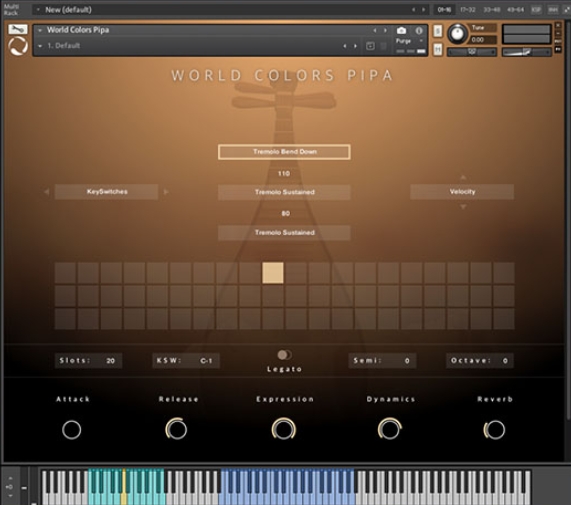 音频工具
World Colors Pipa 中国民乐琵琶音色
永久有效 · 网盘发货
 音频工具
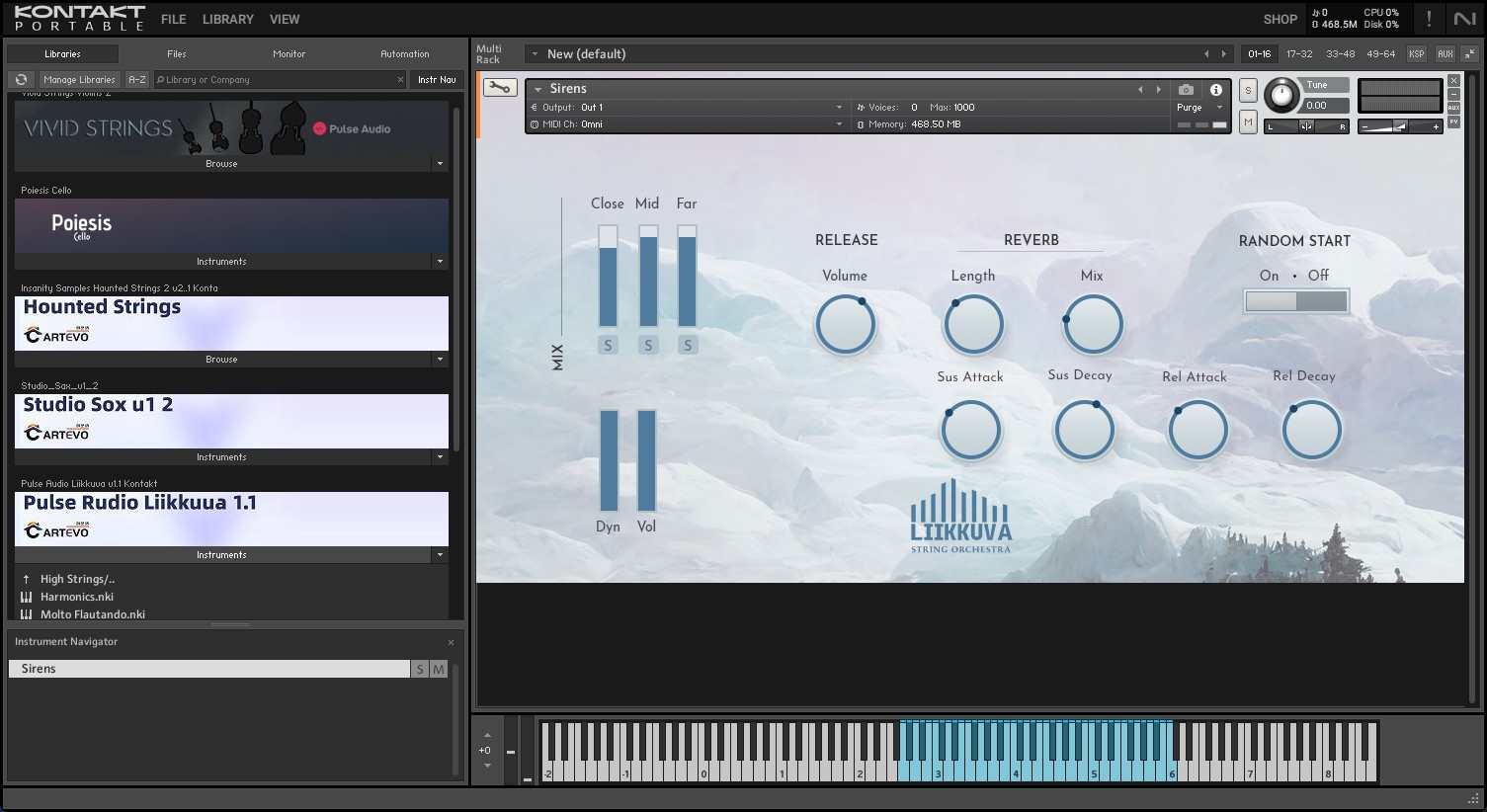
Liikkuva v1.1北欧斯堪的纳维亚弦乐音源 配乐编曲Texture音色库
永久有效 · 网盘发货
 音频工具
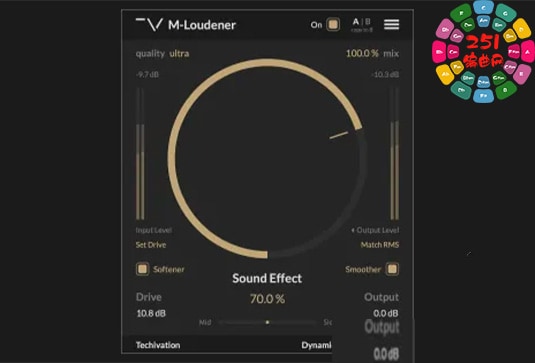
动态范围增强器 Techivation M-Loudener v1.1.0 MOCHA Win
永久有效 · 网盘发货
 音频工具
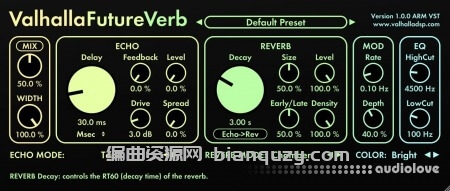
未来混响 Valhalla DSP Valhalla FutureVerb v1.0.0.8 R2R Win
永久有效 · 网盘发货
 音频工具
木歌《情绪操控术》26节
永久有效 · 网盘发货